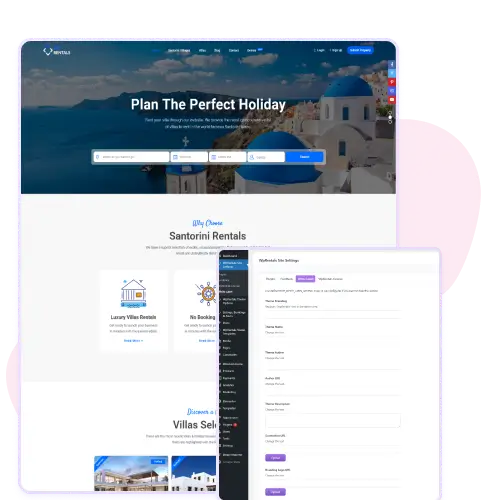
The WpRentals white label feature lets you replace the WpRentals name with your own brand in the WordPress admin area.
You can add your company name, author name, and logo to match your business identity. This makes the dashboard look like your own product instead of a third-party theme.
It’s ideal for agencies or developers building rental websites for clients. With just a few text and image fields, you can set up professional branding that appears across the theme interface, helping your brand stand out and stay consistent.
Replace Default Theme Information
You can edit or hide default theme details like theme name, author, and description. This gives you complete control over how the theme appears in the WordPress dashboard and customizer.
You can also upload your own preview screenshot for a more professional presentation. These options are useful if you want to present WpRentals as part of a custom client project or keep your branding private.
Everything is handled from a single settings page, making it easy to configure without touching any code.
Hide Theme Access for Clients
The white label settings include an option to hide the “Themes” section from the WordPress customizer, preventing clients from seeing or changing theme information.
This helps you maintain a clean and secure backend environment, especially when delivering sites to non-technical users. It ensures your clients focus on managing listings and content instead of adjusting core settings.
This small but powerful option helps developers protect their setup and provide a controlled, branded experience for clients using the WpRentals theme.