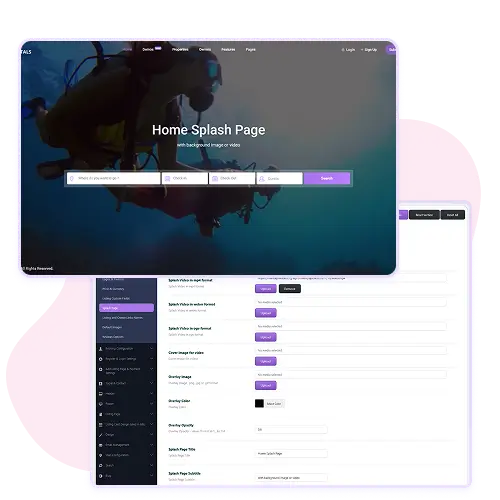
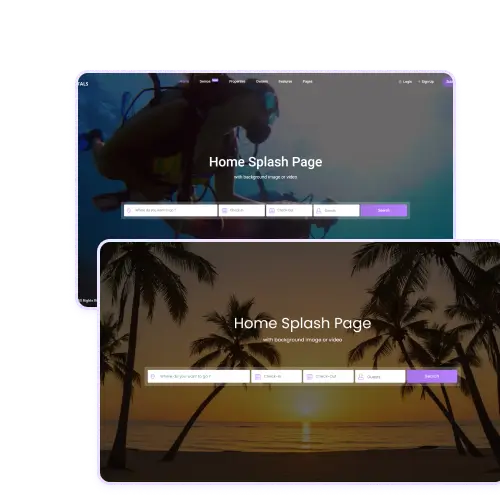
With WpRentals you can design a splash page that greets visitors before they dive into your rental site.
Choose between a full-screen video background, a single image, or an image slider. You can upload your media and then add an overlay color and set its opacity so text remains readable.
Then enter a custom title, subtitle, and logo link. This splash page helps you set the tone of your brand and can guide users to your main content with style. It is perfect for making a strong first impression and directing traffic.
Fully Customizable Layout for Splash Page
The splash page in WpRentals isn’t just a basic static screen. You get theme option controls to select the type (video, image slider, or image), upload media formats (mp4, webm, ogv for video), set overlay image, overlay color, and transparency level, and define where links go.
Widgets can be placed in designated widget areas like bottom left or right of the splash page for extra content or calls-to-action. These tools let you craft a splash page that’s engaging and on-brand without needing to code anything.